

Author
Nicolas P.
Research & software-development engineer
A home-cinema enthusiast of thirty years, he designs and develops all of Home Theater Maestro.
Home Theater Maestro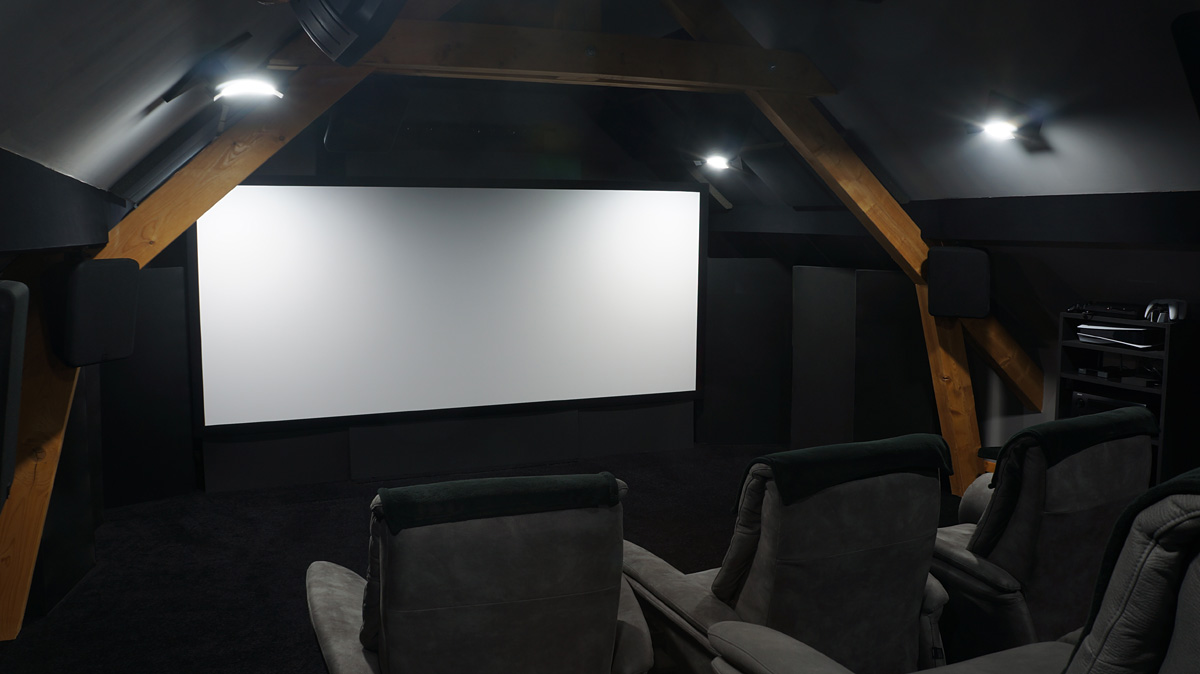
Home Theater Maestro brings speaker placement, predictive acoustics, measurement analysis and video calibration into a single workshop. Brand-neutral advice and honest predictions, meant to be validated by measurement.
Where the market forces you to juggle several separate tools, HTM covers the whole chain (placement, acoustics, measurements, picture), then ties it all together in one synthesis: plan, report, conformity.
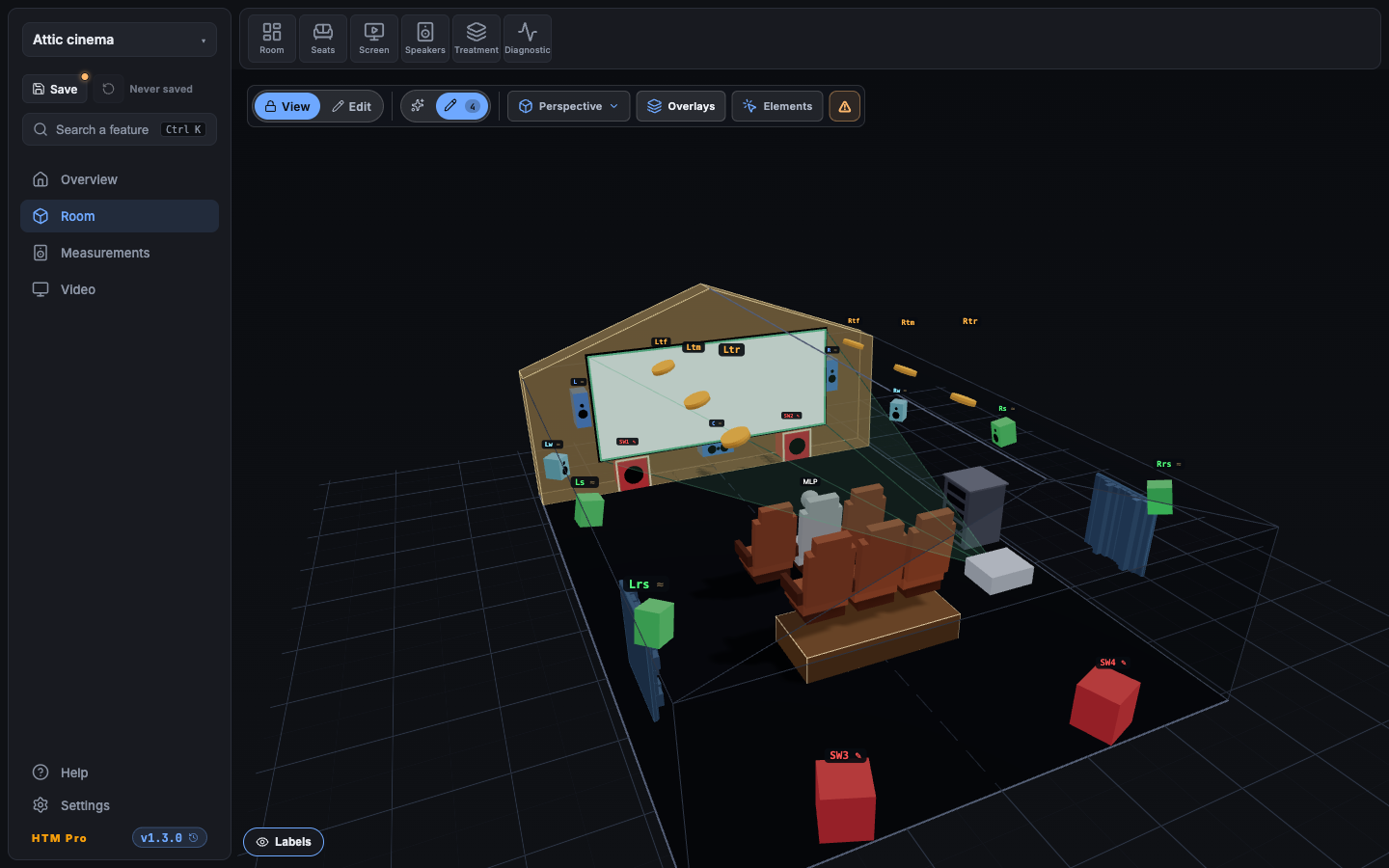
Compose your system up to 32 channels (Dolby Atmos, DTS:X Pro, Auro-3D) and place every speaker in an annotated 3D room: L-shapes, attics, risers, screen and projector included.
PHASE 2RT60, room modes with a 3D map, first reflections, per-seat response, multi-subwoofer: hear the room before you lay the first block.
PHASE 3Import your REW measurements (native .mdat / text) and Audyssey projects, then compare them to HTM's predictions, seat by seat, with EQ suggestions.
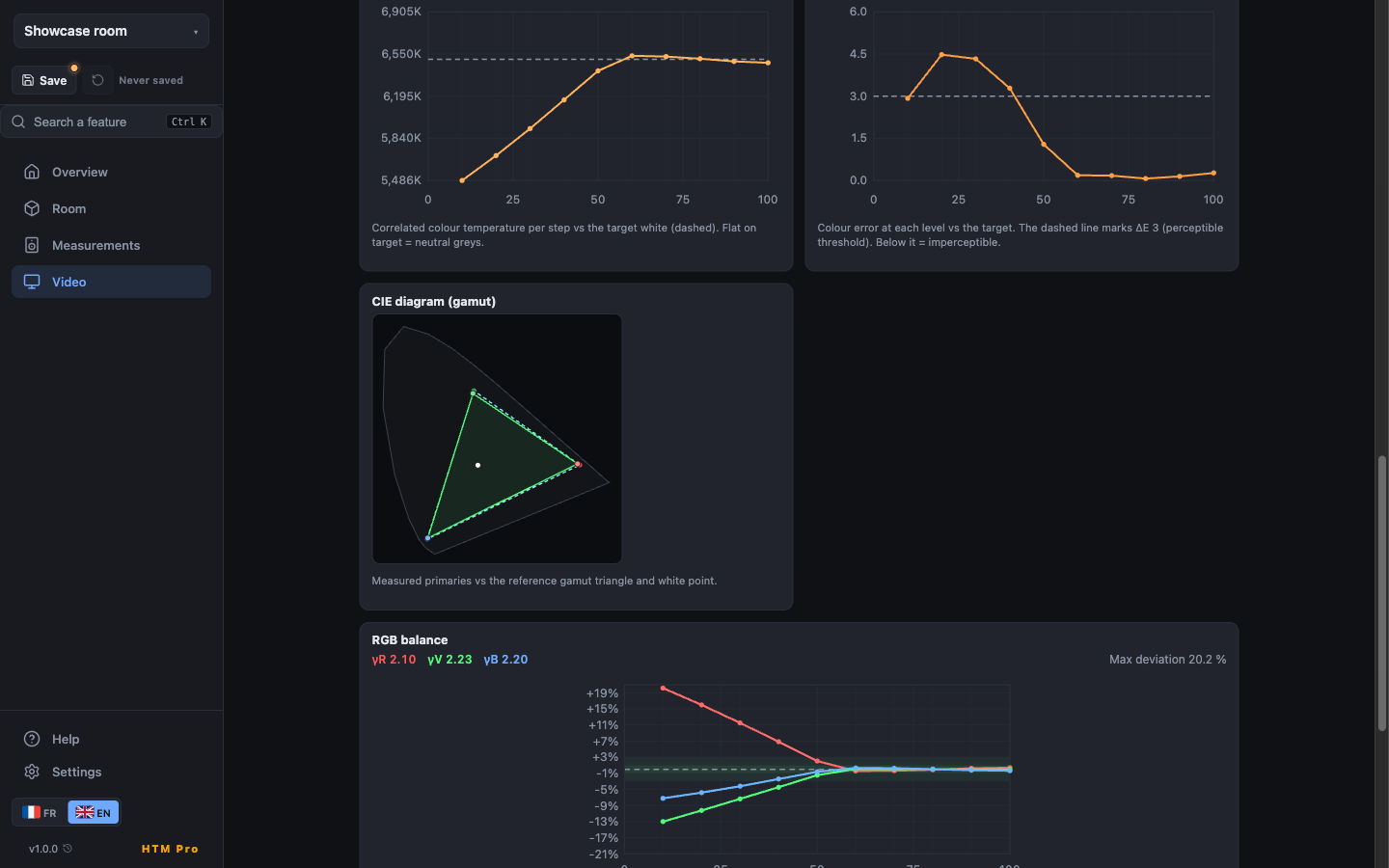
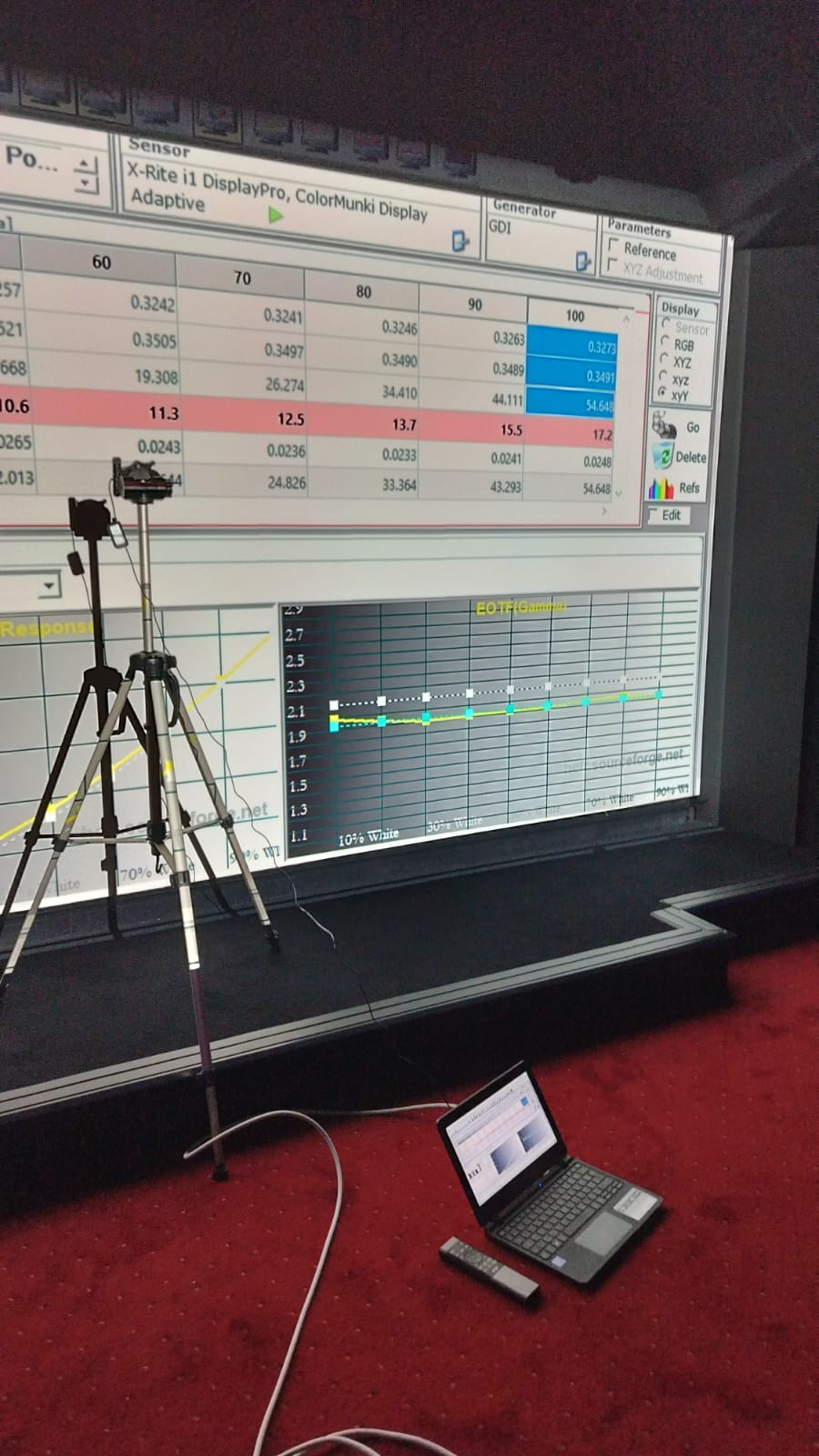
PHASE 4Analyse your display's calibration (ColorHCFR import): gamma, colour temperature, gamut, ΔE, with a guided SDR/HDR journey and built-in fullscreen patterns.
PHASE 5It all comes together: conformity verdicts (Dolby Atmos, DTS:X Pro, Auro-3D, RP22), a top-down room plan, and a unified sound + picture PDF report, ready to share.
A 9.4.6 room from every angle: the ideal speaker-positioning cone (in pink), per-group aiming, risers, the screen and the projector simulator. Everything runs 100% offline.
Before the first block, HTM predicts the room's acoustic behaviour: RT60 per octave band, room modes with a 3D map, first reflections, per-seat response and multi-subwoofer rendering. Every out-of-target band is flagged, with the expected gain once passive treatment is in place.
A prediction meant as a scenario comparator, to be confirmed by your measurements (Phase 3).
Try it in your browser
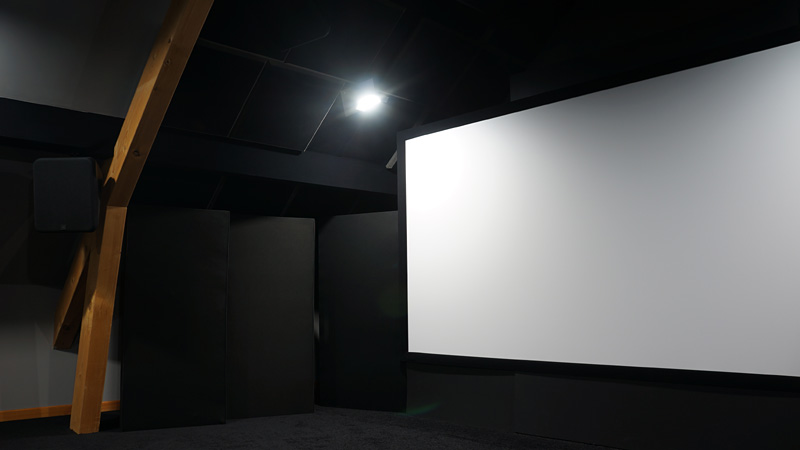
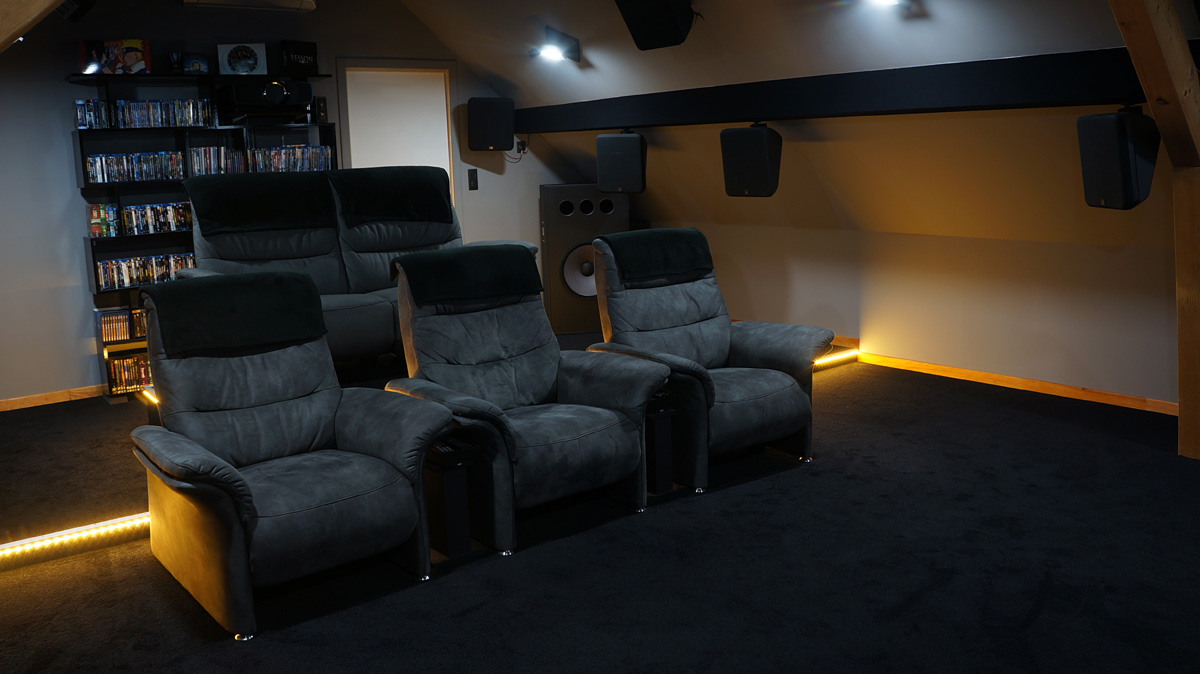
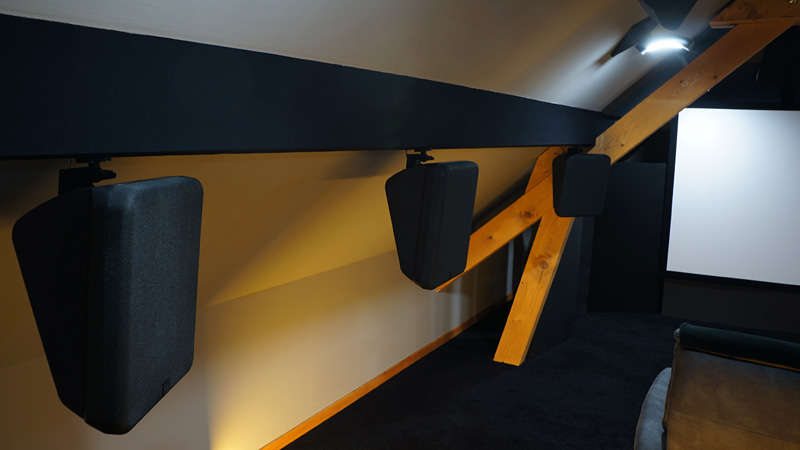
HTM isn't a theoretical demo. It's designed and refined in a real private room: attic slopes, risers, acoustic treatment, multi-subwoofer. The concrete cases it handles (non-rectangular rooms, rakes, multiple rows) come from there.
Who's behind HTM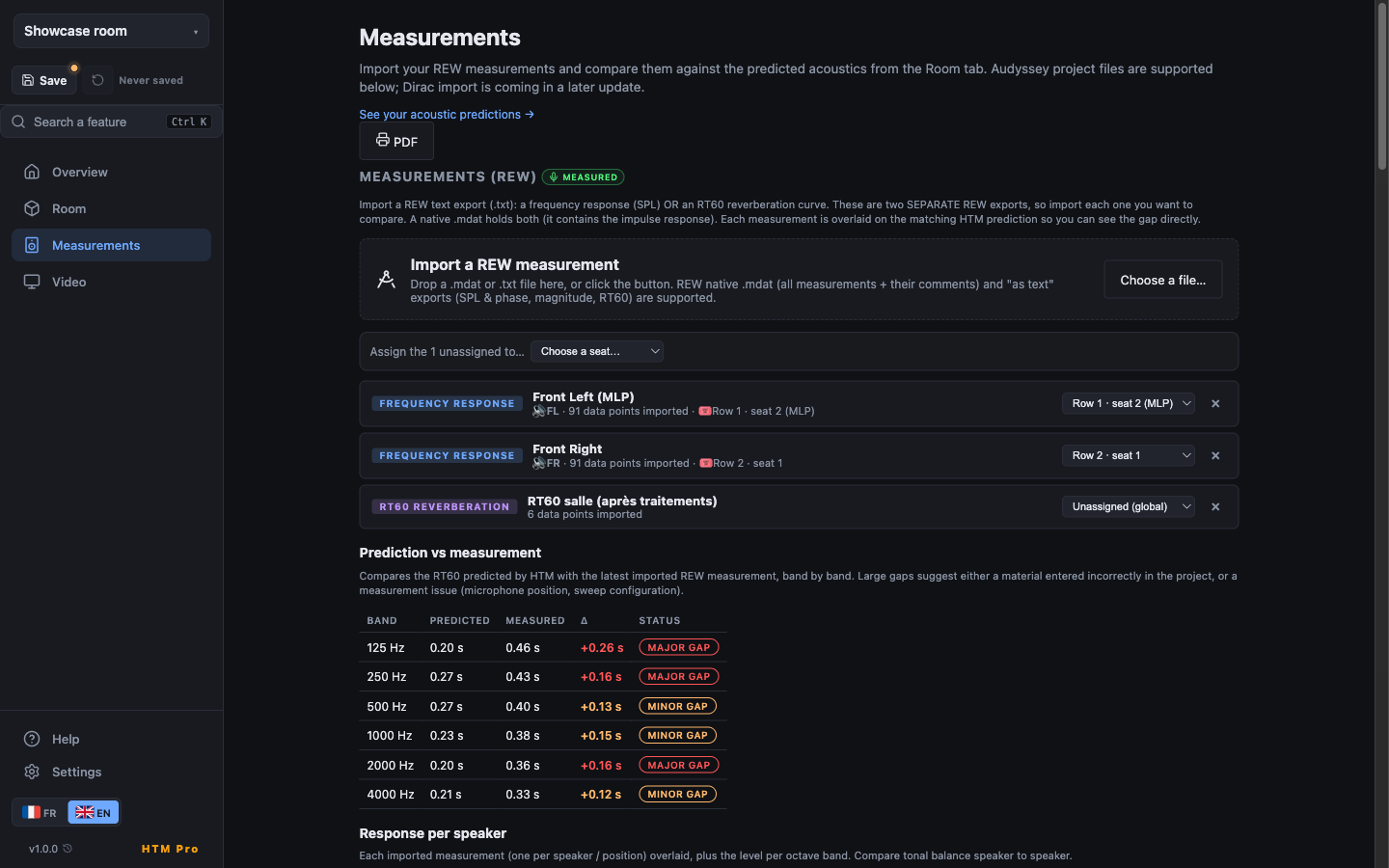
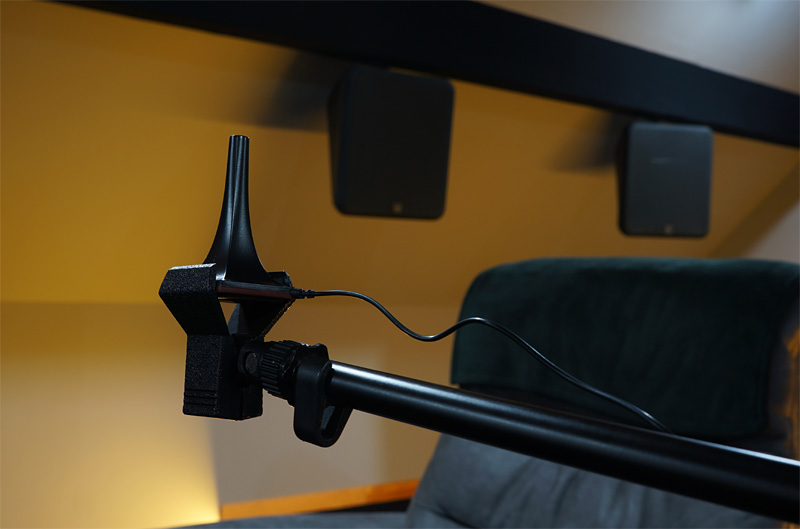
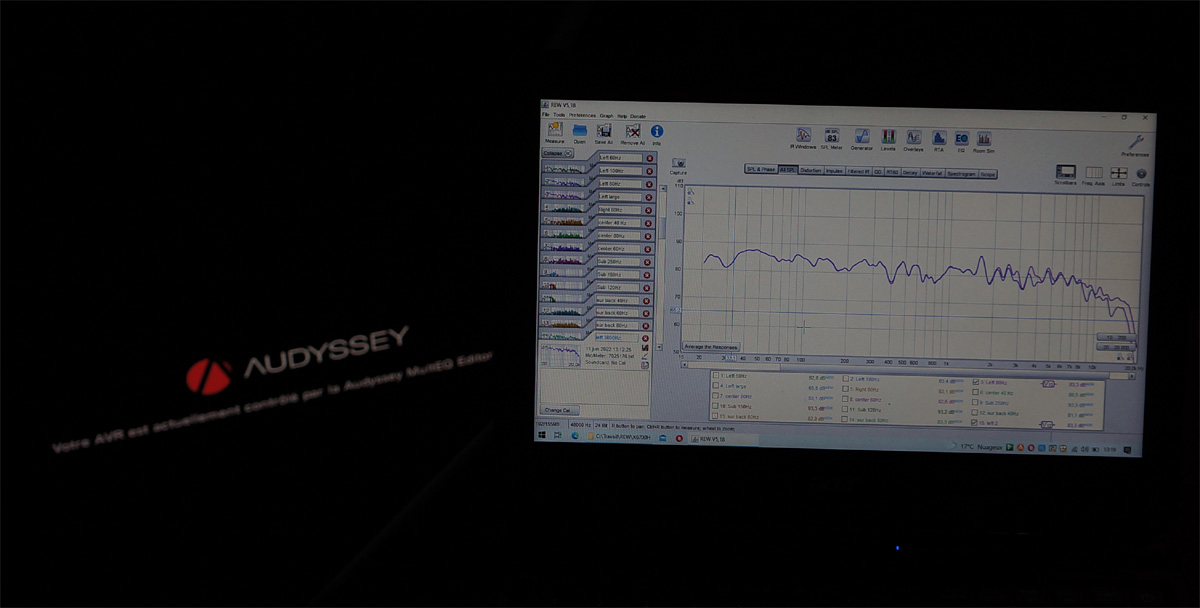
Once the room is built, import your REW measurements (native .mdat or text export) and your Audyssey projects (the .ady files exported by the MultEQ Editor app). HTM overlays measured onto predicted, seat by seat, surfaces distances / levels / crossovers and suggests an exportable parametric EQ.
Everything stays on your machine: no file is ever sent over the network.
Guide: measure with REWImport your ColorHCFR measurements and let HTM analyse gamma, colour temperature, gamut and ΔE, with an adaptive guided SDR / HDR journey and its own fullscreen patterns. It all folds into the Overview's unified sound + picture PDF report.
HTM ranks fixes by impact: room proportions, listening position, immersive-format compliance, acoustic treatment, and points to the exact screen where to act. Every prediction stays a scenario comparator ("move this subwoofer, pull this row forward → here's the delta"), never a substitute for measurement.
And in the end, it all comes together: conformity verdicts (Dolby Atmos, DTS:X Pro, Auro-3D, RP22), a top-down room plan, and a unified sound + picture PDF report to print or share.
Try it on your project
The Standard level covers the whole journey (describe the room, predict, import your measurements, get the verdicts) for free. The Pro level adds per-seat scientific analyses and installer-grade deliverables on top.

The same app on all your machines. Desktop app on Windows, macOS and Linux, and Android in your pocket. Built to run fully offline: no account, no server, no API key.
Many tools promise a "perfect" result. HTM owns its limits: below the Schroeder frequency, the prediction aims for ±3 dB. Above it, it's there to compare scenarios, not replace a microphone. It's a decision-support tool, so you reach the measurement stage with an already-sound layout. Its recommendations stay neutral: never skewed to push you toward a specific device.
A home-cinema enthusiast of thirty years, he designs and develops all of Home Theater Maestro.
Home Theater Maestro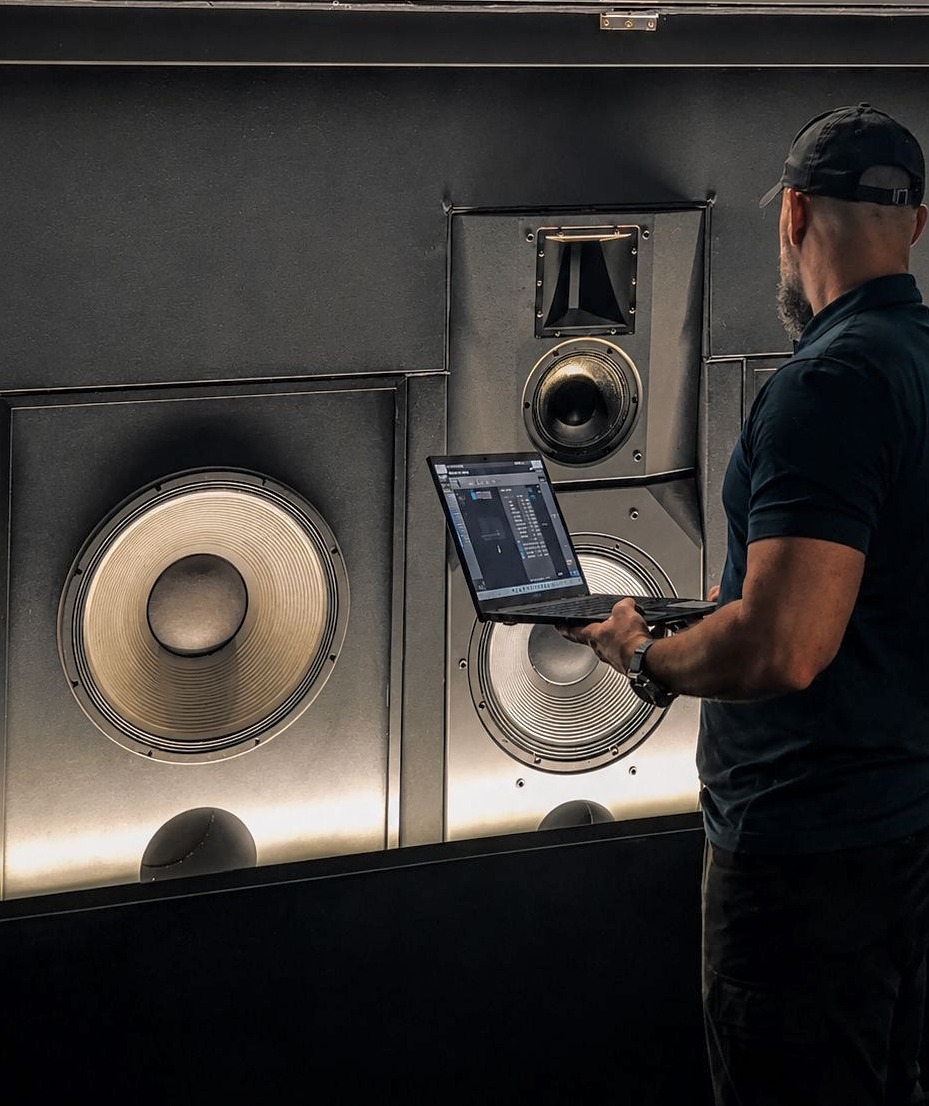
Contributes to the specification and implementation of HTM's audio features. His Atmos Music studio is referenced by Dolby and holds the Apple Digital Masters certification.
White MasteringFind HTM on the forums
Brand-neutral by design: no device names, only public formats (Dolby Atmos, DTS:X Pro, Auro-3D) and community tools (REW, ColorHCFR).
Free: Windows, Android and macOS. Install, open, design. No account.