
The practical guides.
HTM starts from your room, then imports your measurements to confront them with its predictions. These quick guides show the essentials: import a 3D model of the room (or scan it), then produce measurements with the free reference tools: REW for acoustics, ColorHCFR for the picture.
All the guides
- Acoustics · height Dolby Atmos speaker placement One dimension decides: the elevation angle, between 30° and 55°. How to convert it into centimetres on the ceiling, and why under 2.50 m the placement window is only 1.34 m wide. Read the Atmos guide
- Acoustics · bass Where to place your subwoofer Below 200 Hz the room is in charge. The crawl and why it works, the corner case, one sub or two, and the point no setting can fix: a null is not a peak. Read the subwoofer guide
- Picture · geometry Screen size and viewing distance A diagonal means nothing without the distance. The SMPTE (30°) and THX (40 / 36 / 26°) references, the conversion into centimetres, and the limit resolution imposes beyond 30°. Read the screen guide
- Acoustics · fundamentals Understanding room modes The common cause behind almost every bass problem. The three families, the real list for one room (18 modes below 120 Hz), the trap of simple dimension ratios, and the only three levers you have. Read the room modes guide
- Acoustics · boundaries SBIR: speakers and nearby boundaries « Move it off the wall » is only half an answer: the null does not vanish, it changes frequency. At 50 cm it lands at 172 Hz, right in the voices. The distance table and the one layout that removes it. Read the SBIR guide
- Acoustics · treatment Room acoustic treatment Three distinct problems, three treatments. And the figure missing from the packaging: a 5 cm panel is effective from 1,715 Hz. To act from 100 Hz by porous means you would need 86 cm. Read the treatment guide
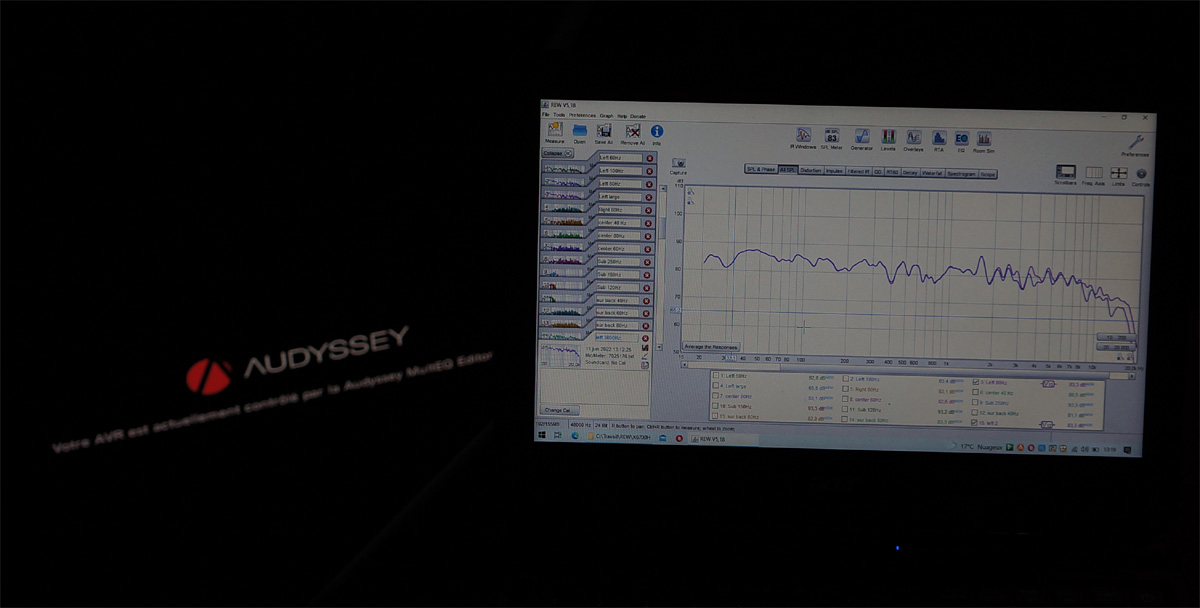
- Acoustics · sound Measure your room with REW From mic to .mdat file: setup, sweep measurement, reading the RT60, waterfall and early reflections, then importing into HTM. With REW, the free, cross-platform community tool. Read the REW guide
- Picture · video Calibrate your picture with ColorHCFR From probe to .chc file: SDR / HDR reference, greyscale and gamut measurement, reading the ΔE, then analysing in HTM. With ColorHCFR, free and open-source. Read the ColorHCFR guide
- Picture · step by step Full ColorHCFR tutorial Every setting in order, from placing the probe to the HDR EOTF luminance curve: full or limited range, BT709 then BT2020 gamut, gamma, colour temperature, saturations. More than 120 annotated screenshots taken on JVC, Sony and Epson projectors. Read the tutorial
- Room · 3D model Import a 3D model of your room Instead of typing dimensions by hand: import a SketchUp / Blender / Rhino model (or scan with your phone). HTM reads dimensions, shape (even an L), attic slopes and beams. Formats and step-by-step export. Read the 3D import guide
- Methodology How did we proceed? The measured fabrics Insertion loss of four stretched fabrics (acoustic screens, frame facings), measured in REW at 0° and 45° against a free-field reference. The full protocol, the curves, and the stated limits. See the methodology
Why these guides are free.
HTM drives neither the mic nor the probe: it imports what those tools produce. The more careful your measurement, the finer HTM's analysis. These guides lower the barrier to entry, without needless jargon, so you quickly get a usable file.